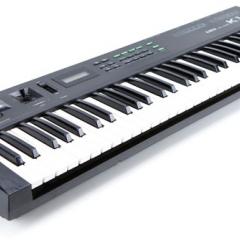
Roland D-110
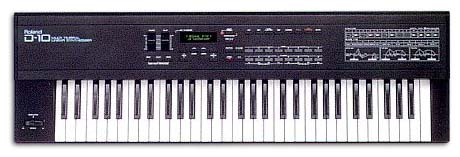
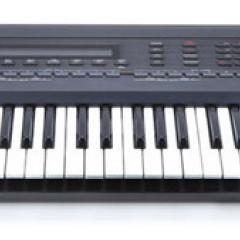
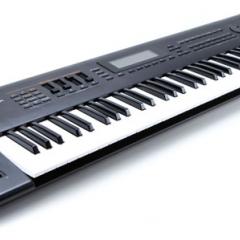
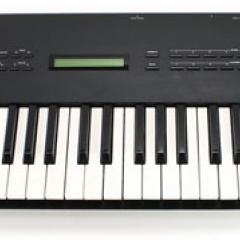
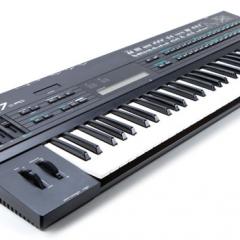
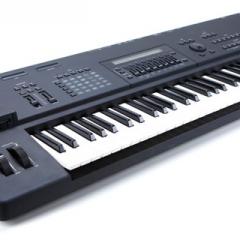
Second generation D-50 style synthesis. The D-10 is a Digital Linear Arithmetic Synthesizer and the D-110 is its upgraded rackmount version. Capable of decent acoustic sounds and great new synth-type sounds the D-10/110 is a great and cheaper alternative to the popular D-50. It has a confusing synthesis / editing method composed of tones, partials and timbres. Basically it all boils down to tricky programming which, if you know what your doing, can have interesting and unique results. On-board drum sounds, reverb effects and internal / external memory storage are also a plus.
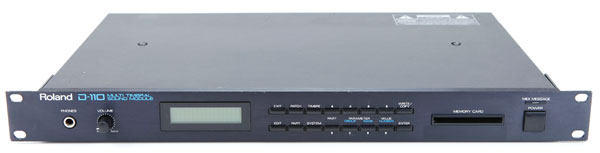
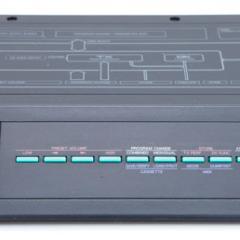
The D-110 rackmount version adds 6 individual outputs, and the follow-up D-20 keyboard version adds an 8-track sequencer. Definitely worth a listen for any musician on a budget! It has been used by Suzanne Vega, Future Sound of London, and Information Society.
You Might Also Like
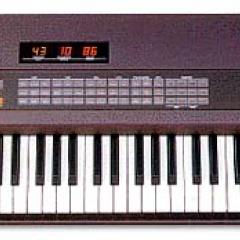
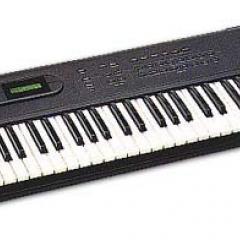
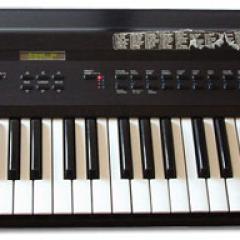
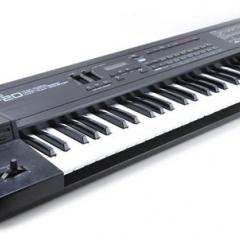
Demos & Media
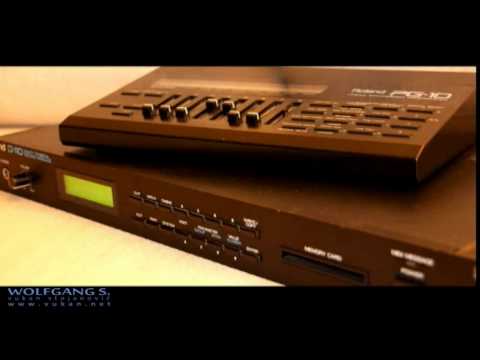
Roland D-110 demo sounds
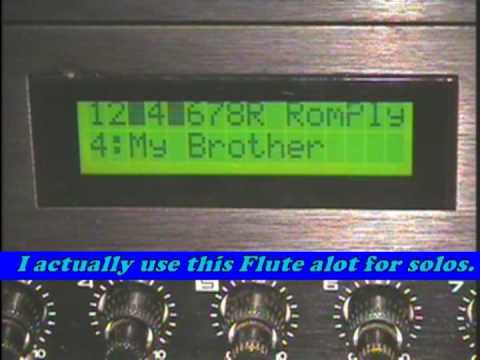
Roland D-110 Rom Play
Audio Clip 1
A few demo tunes submitted by Mick Genialis.
Specifications
Polyphony -
32 voices
Oscillators -
Digital LAS (Linear Arithmetic Synthesis) & ROM Samples
Effects -
8 Effects
Multitimbral -
9 parts
Drums -
1 kit, 63 sounds
Memory -
128 internal & 128 external patches, 64 performances
Keyboard -
61 note with velocity sensitivity (D-10)
Control -
MIDI
Date Produced -
1988
Websites of Interest
Resources
Images from Synthony and Perfect Circuit Audio.