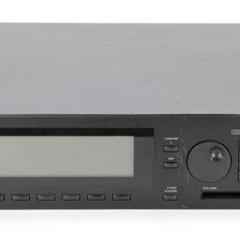
Roland JD-990
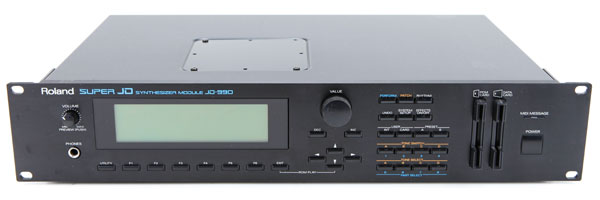
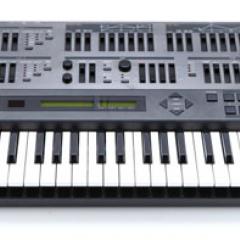
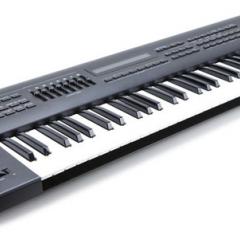
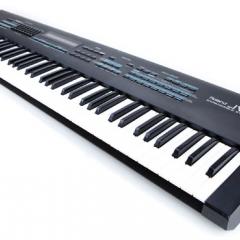
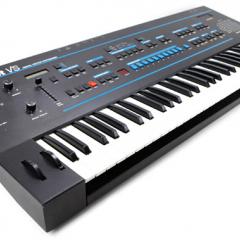
The JD-990 is an enhanced version of the JD-800 and was the top o' the line JD-synth. Its rack-mount design and impressive power and functionality within the studio paved way for the hugely successful JV-series rack modules which lead, ultimately, to the XV-series monster-modules! The JD-990 is a digital synth with 6MB of ROM sounds with "analog-like" edit parameters and features. These include lowpass filtering, ring modulation, osc. sync, frequency cross-mod, etc. The JD-990 is also compatible with JV80 and JD800 expansion boards.
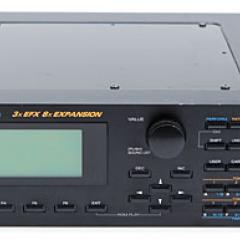
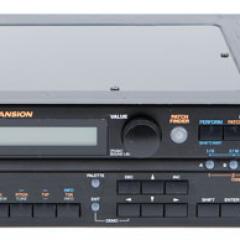
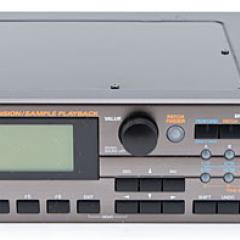
The JD-990 has a large LCD display which makes editing very easy and intuitive, you can actually see the envelopes and LFO rates. There's an on-board multi-effects processor with Delay, Reverb, Phaser, Distortion, Chorus, and EQ. For the studio, the JD-990 has MIDI IN/OUT/THRU and eight outputs in four stereo pairs. The JD-990 can hold one internal expansion board and the best choice is to put the Vintage expansion in it because that gives you about 512 patches (Only 255 from JV-series!) of which 256 are specially programmed for the JD-990. It is used by Vangelis, The Prodigy, Apollo 440, ATB, and Mirwais.
You Might Also Like

Demos & Media
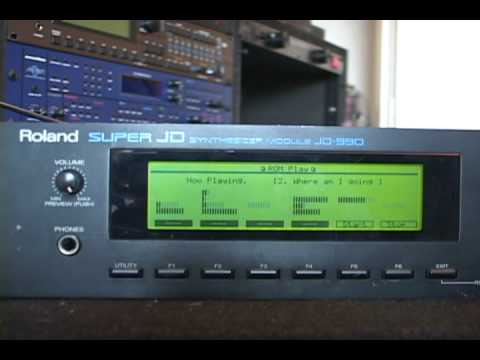
Roland JD-990 ROM Play Demo Songs
Audio Clip 1
Here's a nice demo song that's all JD-990.
ManualRoland has made manuals for most of their products available as free PDF downloads.
Specifications
Polyphony -
24 voices
Oscillators -
6MB of ROM waveform data (expandable to 16MB), 4 osc. per patch
Memory -
3 banks x 64 patches (expandable), 3 drum kits with 61 sounds
LFO -
2 per patch
Filter -
TVF: Lowpass/bandpass/highpass-filters with resonance and envelopes
VCA -
TVA envelopes and pitch envelopes
Effects -
Delay, Reverb, Phaser, Distortion, Chorus, EQ
Keyboard -
None
Arpeg/Seq -
None
Control -
MIDI (6-part + rhythm part multitimbral)
Date Produced -
1993
Websites of Interest
Resources
Images from Perfect Circuit Audio.