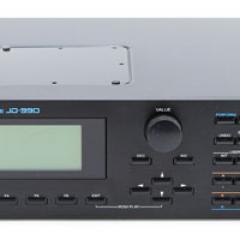
Roland JV-90

Share |  
Roland JV-90 Image

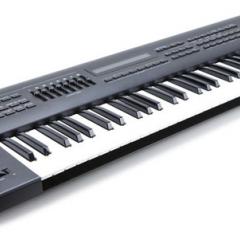
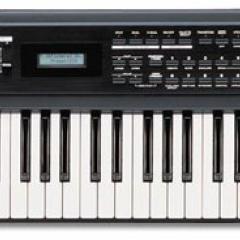
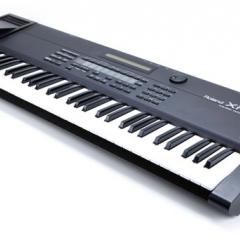
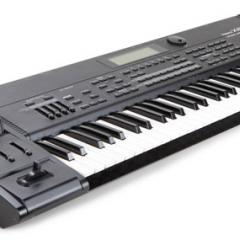
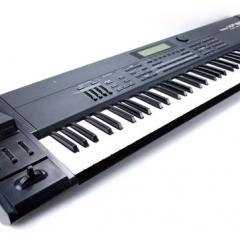
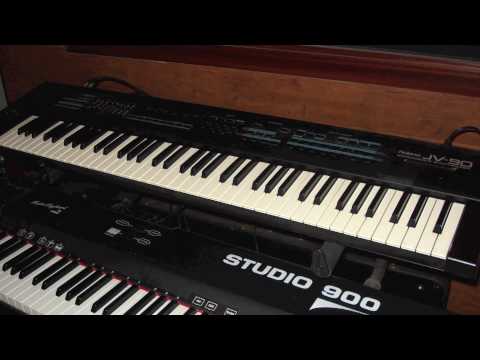
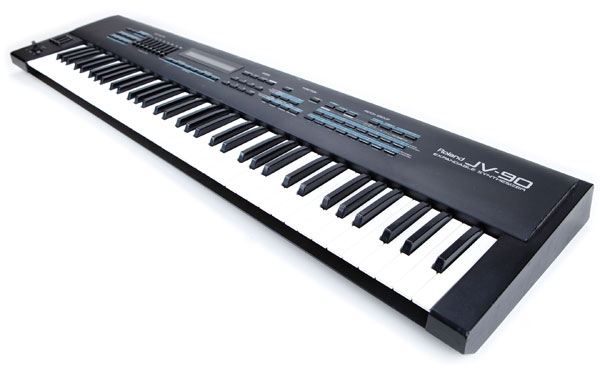
The JV-90 is an excellent mid-nineties keyboard controller and MIDI synthesizer. It featured a full 76-note semi-weighted keyboard. There are also several sliders above the keyboard with assignable parameters for fast hands-on editing. The sounds of the JV-90 (and JV-80) were the basis for the JV-1080, JV-2080 and XP-80 synths that came later. You'll find basses, synth sounds, pads, leads, strings, percussion, drumkits and more. One additional ROM slot allows you to add an 8MB SR-JV80 expansion board for more great sounds.

Unfortunately, the JV-90 is not a workstation like the XP-80. With only 28 (or 56) voice polyphony and no built-in sequencer, you aren't likely to make this your ONLY synth. But its keyboard feels great and many of its sounds are still useable, making the JV-90 a nice master MIDI keyboard. The JV-80 is basically the same thing as the JV-90 except it has a typical 61-note keyboard and less memory.


26 VISITOR COMMENTS

Mr.Smith
January 7, 2012 @ 2:45 pm
Two questions... does anyone know if there is an editor for this keyboard? soft or hardware editor... Plus, one of the bank buttons stopped working. Is there a service manual I can download? I can repair the button but I don't know how to get to it. Ideas?
lammergyer
December 17, 2011 @ 10:54 am
@Carlos - You need to go into Performance Mode.
Press Edit
Press Common
Choose 'Zone' as key mode.
Press Part button (stay in edit)
browse to assign patches to one of the eight parts
Press 'Int Zone' button
browse to assign key ranges to the eight parts
I split and layer all of my patches to fatten up the 'thin' sounds of the Roland synths.
Pages 65-77 of the manual cover all of this.
Performance mode is everything on the JV-90.
When saving, make sure write protect is off for internal. Write button then Enter button.
Carlos
September 14, 2011 @ 3:40 pm
hey i have a roland jv 90 too, but its kind da difficult to use.......i need want to know how to divide my roland into 2 voice parts....
bass4bass
June 2, 2011 @ 12:16 pm
I bought mine brand new when they came out, Great live and recording keyboard, Awesome sound, I also own a JV-80 rack mount, Being a bass player It's very easy to use compare to older synths like my DX-7. with those 2 units it gave me more than enough sounds, but the only downfall its the buttons themselfs, they either don't work any more or keep sticking, Too bad it's not built to move around from gig to home, Cause its my main Keyboard controller
Lammergyer
February 21, 2011 @ 1:31 am
Tonya. Press Preset button and make sure its lit. Make sure the PATCH button is lit. Then press the A button (the group) then press the 1AB button (the bank) then press the 9QRon the bottom row of buttons (the number) and see if A. Piano comes up. The PRESET button is where all the cool stuff is. 1. PRESET - 2. PATCH - 3. 1AB button on top row - 4. 1 or 9QR button on bottom row. Look at display. Now, only press the buttons on the bottom row to see more cool pianos. Let me know.
 
Post Comment!
VSE Rates It

Excellent

You Rate It

Rated 3.81 (214 Votes)

  • Demos & Media
  • YouTube Image
    Video 1
    - See and hear it in this YouTube Demo!

    Manual - Roland has made manuals for most of their products available as free PDF downloads.

  • Specifications
  • Polyphony - 28 voices (expandable to 56)
  • Oscillators - Digital Acoustic simulation via 4MB (expandable to 14MB) of ROM
  • Arpeg/Seq - None
  • Filter - Digital filters
  • Effects - 2 effects units with chorus, reverb and delay
  • Memory - 256 Patches (can expand to about 600); 64 Performances
  • Keyboard - 76 semi-weighted keys (responds to velocity and aftertouch)
  • Control - MIDI (8- to 16-parts)
  • Date Produced - 1994
  • Est. Value - $750 - $1,000
  • Resources & Credits
  • Images from Joel Marks.

Errors or Corrections? Send them here.